

LeadsEmails vs Lusha: Which Data Provider is Right for Your Business?

LeadsEmails vs Lusha: At a Glance

Choosing between LeadsEmails and Lusha comes down to your team's workflow and budget. LeadsEmails offers a one-time purchase model with bulk, segmented B2B contact lists ideal for email campaigns, while Lusha provides a credit-based, real-time prospecting tool best suited for individual sales reps working LinkedIn and websites.

LeadsEmails vs. Lusha

Key Features of LeadsEmails

Human-Verified Data: Contacts are manually reviewed and validated to reduce bounce rates and improve deliverability for outbound campaigns.
One-Time Purchase Pricing: No monthly or annual subscriptions  pay once and own the dataset for ongoing use.
Industry & Job-Title Segmentation: Lists can be filtered by industry, company size, job title, and region, including specialized sectors like real estate, healthcare, and finance.
Free Samples: Sample datasets are available so businesses can evaluate data quality before purchasing.
Bulk Export & CRM-Ready Format: Data is delivered in CSV/Excel formats ready for import into CRM and email marketing platforms.
LeadsEmails' Pros & ConsPros: No recurring fees  cost-effective for small businesses and startups Strong industry-specific list options. Suitable for high-volume outreach and email marketing campaigns Free samples reduce purchase risk
Cons: Not designed for real-time, one-by-one prospecting No built-in browser extension for live lead capture . Data refresh depends on purchase cycle rather than continuous updates
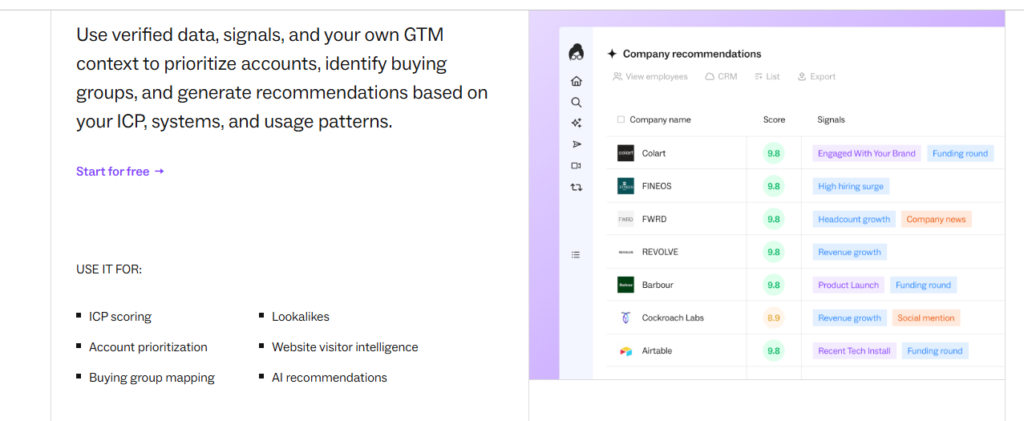

Lusha

Lusha is a prospecting tool that provides real-time contact details  emails and direct dials  primarily through a browser extension that works on LinkedIn and company websites, using a credit-based pricing model.

Key Features of Lusha

Fast Contact Retrieval:

Find verified emails and phone numbers instantly while browsing LinkedIn profiles or company sites.

User-Friendly Interface:

Simple, intuitive dashboard designed for quick adoption by sales teams.

Chrome Extension:

One-click contact reveal directly from LinkedIn and other browser-based sources.

Credit-Based Pricing Model:

Users pay based on the number of contacts revealed per month, scaling with usage.

Lusha’s Pros & Cons

Pros:

  • Great for real-time, individual prospecting
  • Easy CRM integrations
  • Minimal learning curve

Cons:

  • Costs scale quickly with high-volume usage
  • Not ideal for bulk list-based campaigns
  • Credit limits can restrict larger outreach effort

How LeadsEmails and Lusha Stack Up

LeadsEmails suits businesses running bulk email campaigns who want owned, segmented data without ongoing fees, while Lusha fits sales reps who need on-demand contact details during active prospecting on LinkedIn or company websites.

FAQS

1. Is LeadsEmails suitable for small businesses?

Yes, its one-time purchase pricing and segmented datasets make it accessible and affordable for small businesses and startups without recurring costs.

Yes, Lusha offers integrations with popular CRMs, allowing contacts found through its extension to be added directly to your sales pipeline.

LeadsEmails uses human verification processes alongside regular data validation to maintain high deliverability rates for its contact lists.

Lusha’s free tier offers limited credits, which may suit very small teams with low-volume prospecting needs but will likely require an upgrade as usage grows.

Businesses can request a free sample dataset directly through LeadsEmails’ website to evaluate data quality before making a purchase.

0
    0
    Your Cart
    Your cart is emptyReturn to Shop
    Scroll to Top